Insta Tool: What It Is and How to Use Instagram Tools
“Insta tool” is one of the most searched phrases in the Instagram growth space — but it is also one of the vaguest. Sometimes it means a specific website, sometimes a category of apps, and sometimes just “any tool for Instagram.” This guide clears up what people mean by “insta tool,” walks through the different types, and shows you how to use Instagram tools effectively and safely.
What Does “Insta Tool” Mean?
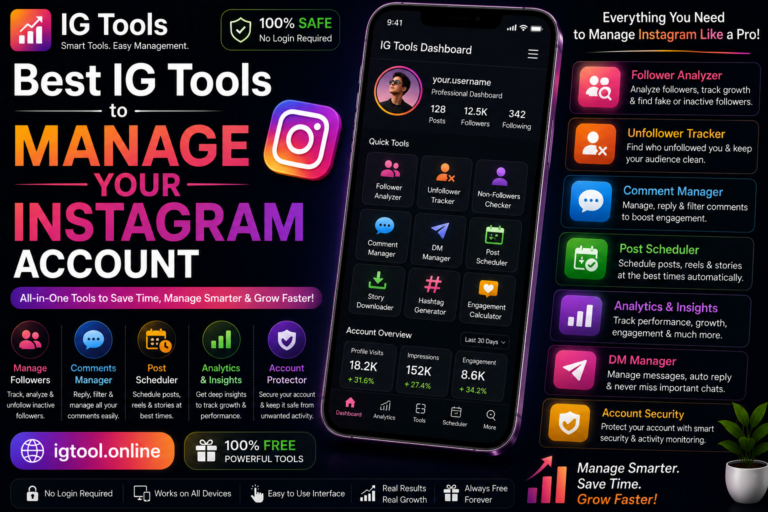
The phrase is used in three main ways. First, as shorthand for IGTools-style websites (like IGTools.net) that promise free followers and likes — this is the most common meaning in search results. Second, as a generic label for any Instagram utility: schedulers, analytics dashboards, hashtag generators, editors. Third, occasionally as the name of specific apps branding themselves “InstaTool” or similar in app stores.

Because the term is ambiguous, always clarify which meaning a result refers to before trusting it. A tutorial about “insta tools” for scheduling is a completely different thing from a site promising free followers.
The Main Types of Instagram Tools
Growth and engagement tools
These promise followers, likes, views, or comments — free or paid. This category carries the most risk: most operate outside Instagram’s Terms of Use, many are funnels for affiliate offers or data harvesting, and the engagement they deliver is typically fake. Approach with extreme caution.
Analytics tools
These show follower growth, unfollower tracking, engagement rates, best posting times, and content performance. Instagram’s built-in Insights covers the essentials; third-party dashboards add historical trends and competitor comparison. Stick to tools that connect via official authorization.
Scheduling tools
Plan and auto-publish posts, Reels, and Stories. Meta Business Suite does this free and officially; third-party schedulers add features like visual grid planning and multi-platform posting.
Content creation tools
Photo editors, video editors, template libraries, caption generators. This is the safest and highest-value category — better content is the foundation everything else builds on.
Hashtag and discovery tools
Generators and research tools that help the right audience find your posts through tags and keywords, increasingly important as Instagram search behaves more like a search engine.
Account management tools
Multi-account dashboards, comment moderation, saved replies, and DM organization — mainly useful for businesses, agencies, and creators managing several profiles.
How to Use Instagram Tools: A Practical Workflow
Tools deliver value when they fit into a system. Here is a simple weekly workflow:
- Plan (30 minutes, weekly): Use a scheduling tool or simple calendar to map out 3–5 posts for the week — mix Reels, carousels, and Stories.
- Create (batch session): Use editing and template tools to produce the week’s visuals in one sitting. Batching is dramatically more efficient than creating daily.
- Optimize (per post): Run captions through a hashtag tool, add keywords to the first lines (Instagram search weighs early caption text), and write a hook for Reels’ opening seconds.
- Schedule: Queue posts in Meta Business Suite or your scheduler for your audience’s peak active hours — find these in Insights under audience activity.
- Engage (daily, 20–30 min): Reply to comments and DMs, comment thoughtfully in your niche. No tool replaces this; the algorithm rewards genuine conversation.
- Review (weekly): Check Insights or your analytics tool: which formats got the most reach, saves, and shares? Do more of what worked — the goal is to steadily improve your Instagram engagement rate.
Safety Rules for Using Any Instagram Tool
- Never share your password with a third-party website or app. Legitimate tools use Instagram’s official login authorization.
- Enable two-factor authentication on your Instagram account before connecting anything.
- Audit connected apps quarterly in Instagram Settings under “Apps and Websites” and revoke anything you no longer use.
- Avoid automation that mimics human behavior (auto-follow, auto-like, auto-comment bots) — Instagram detects this and penalizes it.
- Be skeptical of “free followers/likes” offers; they violate Instagram’s Terms and typically deliver fake engagement.
- Test unfamiliar tools on a secondary account before connecting your main profile.
Common Mistakes Beginners Make
The biggest mistake is tool-hopping — signing up for a dozen tools instead of mastering the fundamentals of good content and one documented Instagram growth strategy. The second is connecting everything: every authorized app is a potential security surface, so keep it minimal. The third is expecting tools to replace effort: a scheduler does not fix boring content, and analytics do not help if you never act on them. Tools amplify a good strategy; they cannot create one.
Insta Tools vs. Instagram’s Built-in Features
Before adding any third-party tool, check whether Instagram already does the job natively. Scheduling? Meta Business Suite handles it free. Basic analytics? Insights covers reach, profile visits, and follower demographics. Reels editing? The in-app editor supports text, transitions, effects, and templates. Many users install third-party tools for features Instagram added years ago — each unnecessary connection is extra risk for zero benefit. Third-party tools earn their place only when they do something Instagram cannot: advanced competitor analysis, visual grid planning, multi-platform publishing, or bulk content workflows. Audit your toolkit with this lens every few months and disconnect anything redundant. A lean stack of two or three tools you actually use beats a bloated dashboard of twelve you forgot about — for both security and sanity.
Frequently Asked Questions
What is an insta tool?
“Insta tool” generally refers to third-party websites or apps for Instagram — most commonly IGTools-style sites promising free followers and likes, but also legitimate utilities like schedulers, analytics dashboards, and hashtag generators.
How do I use insta tools safely?
Use tools that log in through Instagram’s official authorization, never share your password with third-party sites, enable two-factor authentication, and regularly review connected apps in your Instagram settings.
Are insta tools free?
Many offer free tiers, and Instagram’s own tools (Insights, Professional Dashboard, Meta Business Suite) are completely free. Be wary of “free followers” sites — they monetize through verification offers and data collection rather than providing real value.
Can insta tools get my account banned?
Tools that manufacture followers, likes, or automated engagement can get your account restricted or banned because they violate Instagram’s Terms of Use. Content, scheduling, and analytics tools used normally are safe.
Which insta tool should a beginner start with?
Start with Instagram’s free built-in tools: switch to a professional account for Insights and the Professional Dashboard, and use Meta Business Suite for scheduling. Add one design tool and one hashtag tool — that is a complete beginner stack. Our IGTools for Instagram guide walks through the full setup.