Instagram Recovery Tool: What It Can and Cannot Do
Locked out of your Instagram account? You are not alone, and your first instinct might be to search for an “Instagram recovery tool” that promises to get you back in. Before you click anything, you need to know the truth: there is no magic tool that bypasses Instagram’s security, and many of the so-called recovery tools advertised online are scams designed to steal your login details.
Instagram does offer official account recovery options, and they work well when used correctly. This guide explains what Instagram’s recovery options can genuinely do, what they cannot do, how to use them safely, and how to protect yourself from phishing tools that prey on locked-out users.
What People Mean by “Instagram Recovery Tool”
The phrase “Instagram recovery tool” is used loosely online. Sometimes it refers to Instagram’s own official recovery flow: the “Forgot password?” and “Need more help?” options on the login screen. Other times it refers to third-party websites and apps that claim they can recover hacked or locked accounts for you.
Only the first category is legitimate. Instagram’s official recovery process is built into the app and the Instagram Help Center. Anything else, especially a website asking for your username and password to “recover” your account, should be treated as suspicious.
What Instagram’s Recovery Options Can Do
Instagram’s official recovery flow can genuinely help in these situations:
- Reset a forgotten password using the email address or phone number linked to your account.
- Send a login link to your email or phone so you can get back in without remembering the password.
- Verify your identity if your account was hacked, by asking you to confirm details like the original email or a video selfie in some cases.
- Recover a hacked account through the dedicated “my account was hacked” flow, which lets you secure the account and change the login credentials.
- Appeal a disabled account by submitting a review request through the official form.
These tools work because Instagram can verify you through contact information and account history that only the real owner should have.
What It Cannot Do: Be Realistic
Setting honest expectations will save you from scams. Instagram’s recovery process cannot do the following:
- It cannot bypass Instagram’s security. No legitimate tool can unlock an account without verifying the owner’s identity. Anyone claiming otherwise is lying.
- It cannot guarantee recovery. If you no longer have access to the linked email or phone number and cannot verify your identity, Instagram may not be able to return the account.
- It cannot recover deleted accounts. Once an account is permanently deleted after the grace period, it is gone and cannot be restored by any tool.
- It cannot work instantly in every case. Hacked-account reviews and disabled-account appeals can take days, and sometimes require multiple attempts.
- It cannot be done by a third party on your behalf. Only the account owner, going through Instagram’s own verification, can recover an account.
How to Recover Your Account the Official Way
- Start at the login screen. On the Instagram login page, tap “Forgot password?” (or “Get help logging in” on some versions).
- Enter your username, email, or phone number and request a login link or password reset.
- Check your email and SMS inbox, including spam folders, for Instagram’s message. These links expire, so act promptly.
- If that fails, tap “Need more help?” and follow the on-screen steps. Instagram may ask you to verify your identity, which can include confirming account details or recording a short video selfie.
- For hacked accounts, use the dedicated flow at the Instagram Help Center under hacked accounts, and secure your linked email account first so the attacker cannot intercept reset messages.
- For disabled accounts, submit an appeal through the official form and wait for Instagram’s review instead of creating workarounds.
Warning: Third-Party “Recovery Tools” Are Often Scams
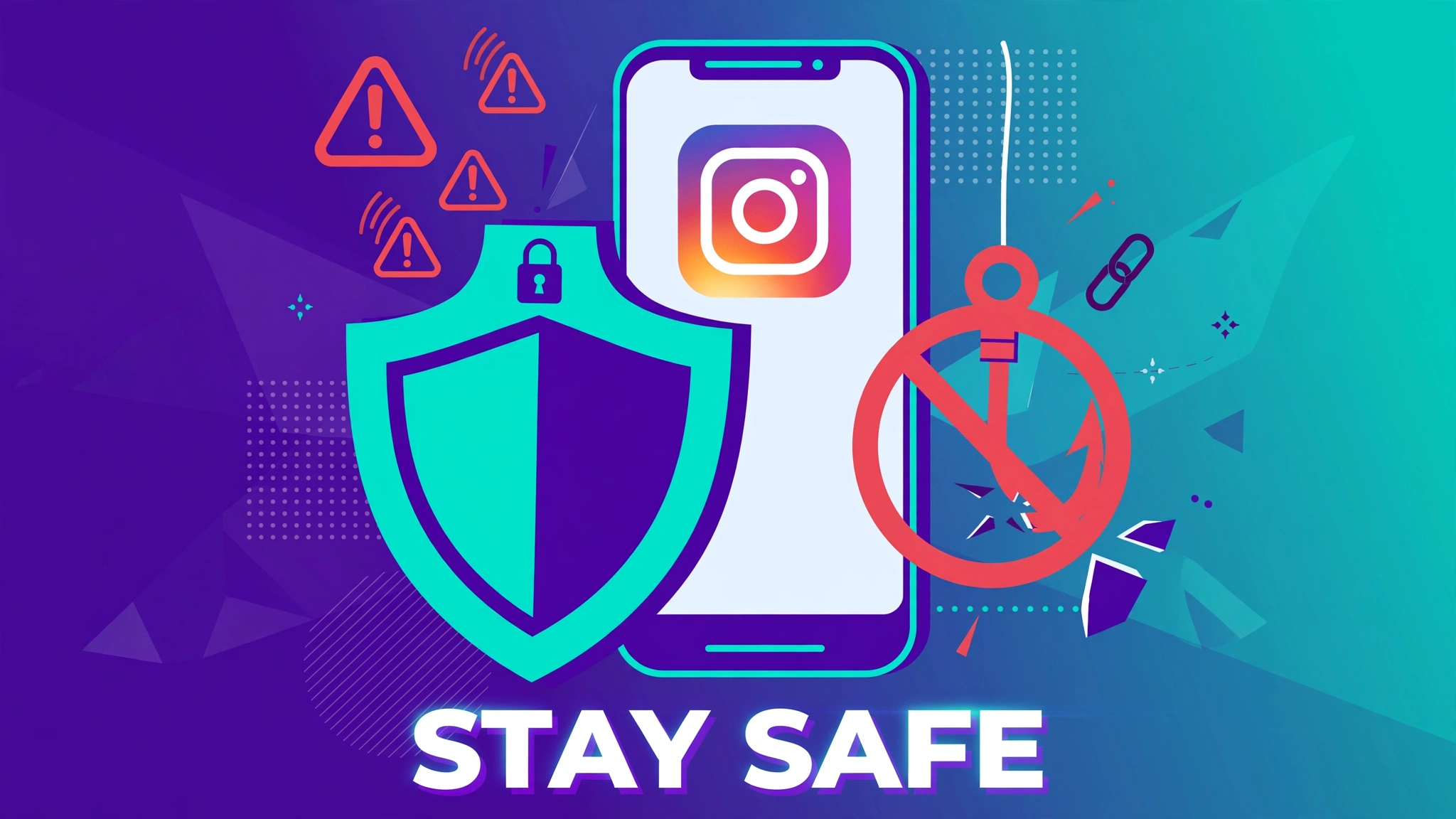
Search results and ads are full of websites and apps promising instant Instagram recovery. Treat every one of them as a phishing risk. Common red flags include:
- Asking for your Instagram username and password on a non-Instagram website.
- Promising “guaranteed” or “instant” recovery of any account.
- Claiming to recover someone else’s account for you.
- Asking for payment, gift cards, or cryptocurrency to “unlock” the service.
- Requiring you to download unknown software or browser extensions.
Never share your Instagram password with any third-party tool or person. Instagram staff will never ask for your password, and no legitimate recovery process happens outside Instagram’s own app and website. If you already entered your credentials on a suspicious site, change your Instagram password immediately and enable two-factor authentication.
Lock Down Your Account After Recovery
Getting back in is only half the job. Once you recover your account, secure it so it does not happen again: enable two-factor authentication, confirm your email and phone number are current and accessible, review login activity for unfamiliar devices, remove suspicious third-party apps connected to your account, and use a strong unique password stored in a password manager. With your account secured, you can get back to legitimate growth, for example by learning how to grow Instagram followers without ads.
Frequently Asked Questions
Is there an official Instagram recovery tool?
Yes, but it is not a separate downloadable tool. Instagram’s recovery options live inside the app’s login screen (“Forgot password?” and “Need more help?”) and in the Instagram Help Center. Anything marketed as a standalone recovery tool outside Instagram is not official. Once you are back in through the official flow, you can explore the IGTools for Instagram guide for safe, legitimate ways to manage and grow your account.
Can a recovery tool bypass Instagram’s security checks?
No. No legitimate tool can bypass Instagram’s identity verification, and any service claiming it can is a scam. Recovery requires proving you are the account owner through your linked email, phone number, or identity verification steps.
Someone is offering to recover my account for a fee. Is it legit?
Almost certainly not. Paid recovery services are a common scam pattern. They take your money, and often your login credentials too, without recovering anything. Only use Instagram’s free official recovery flow. Afterwards, rebuild your presence the safe way with our guide to growing Instagram followers organically.
How long does Instagram account recovery take?
Password resets via email or SMS usually arrive within minutes. Hacked-account and disabled-account reviews can take several days, and complex cases may need more than one submission. Be patient and avoid submitting dozens of duplicate requests, which can slow things down.
What should I do if I gave my password to a fake recovery site?
Act immediately: change your Instagram password from the official app, enable two-factor authentication, check login activity and log out unknown sessions, and secure your email account too. If the same password was used elsewhere, change it on those services as well.