IGTor Tools: What Users Should Know
The name IGTor Tools pops up in searches from Instagram users looking for extra utilities — downloaders, viewers, or analytics tools with an “IG” prefix. If you have landed on a site using this name and are wondering whether it is legitimate, useful, or safe, this guide covers what users should know: what these tools claim, how they operate, the risks involved, and the official Instagram features to use instead.
What “IGTor Tools” Refers To
IGTor Tools is not an official Instagram product, and it is not affiliated with Meta Platforms in any way. Like many similarly named services — IGTools, InstaTools, and dozens of variants — it belongs to a crowded category of third-party Instagram utilities that appear on standalone websites, often with minimal information about who runs them.
These sites typically share a pattern: a simple homepage, a list of promised features, and either a login prompt or a username field. The branding is designed to look connected to Instagram, but there is no verification, no company address, and no accountability if something goes wrong. That anonymity is itself a warning sign.
What Users Should Know: The Claimed Features
Sites using names like IGTor Tools generally advertise a familiar menu of extras:
- Anonymous Story and profile viewing: claims you can watch Stories or browse profiles without being detected.
- Photo and video downloading: saving posts, Reels, and Stories directly to your device.
- Follower and unfollower tracking: lists of who followed or unfollowed you, sometimes framed as “stalkers” or “secret admirers.”
- Profile analysis: engagement stats, “best followers,” or account health scores.
- Private profile viewing: some of the shadier variants claim to reveal private accounts — a claim that should immediately set off alarm bells.
That last category deserves emphasis: no legitimate tool can show you a private Instagram profile without the account owner’s approval. Any site claiming otherwise is either lying to harvest your data or running an outright scam.
How These Sites Make Money — and Why That Matters
Understanding the business model explains the risk. Free Instagram-tool sites typically earn through:
- Aggressive advertising: pop-ups, redirects, and fake “download” buttons that can install adware or unwanted browser extensions.
- “Human verification” loops: endless surveys and app installs that generate affiliate revenue for the site owner while delivering nothing to you.
- Credential harvesting: login forms that capture your Instagram username and password for account takeover or resale.
- Data collection: usernames you search, your IP address, and device details — packaged and sold to data brokers or spammers.
When a service is free, anonymous, and asks for your login, you are not the customer — your account and data are the product.
Key Risks for Users
Phishing and Account Theft
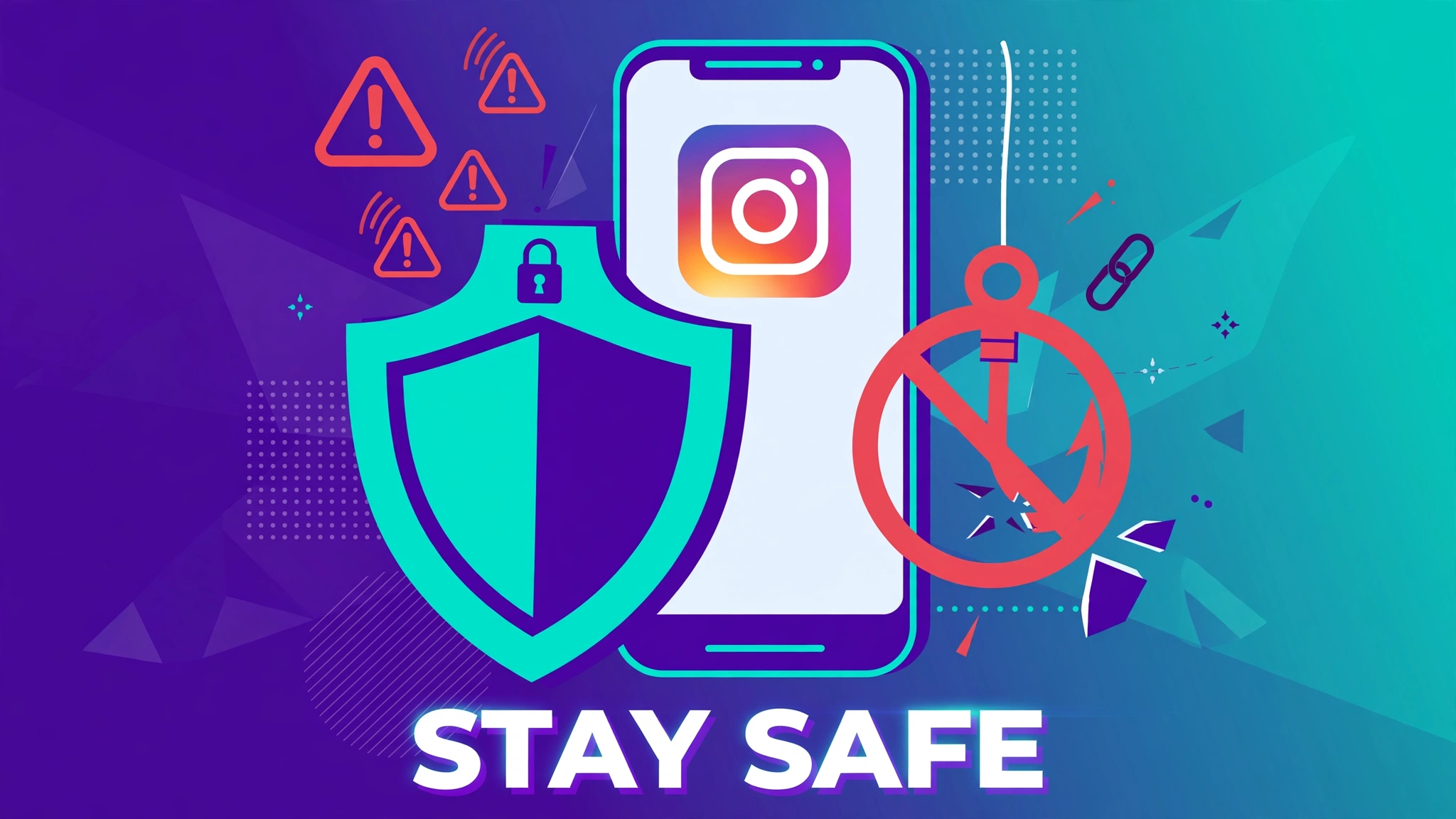
Fake tool sites are among the most common phishing vectors targeting Instagram users. A convincing login page captures your credentials in seconds. Attackers then lock you out, change your recovery email, and either ransom the account back or use it to scam your followers.
Malware From Downloads
Sites in this niche frequently push executable files, “required” browser extensions, or mobile apps outside official stores. These can contain spyware, keyloggers, or ransomware. Instagram-related searches are a known lure for malware distributors precisely because users arrive expecting a download button.
Terms of Service Violations
Using unauthorized tools to access Instagram data — especially automated viewing, scraping, or downloading — violates Instagram’s Terms of Service. Detected accounts face action blocks, reduced reach, or permanent bans. Meta’s detection systems are sophisticated and constantly updated.
No Recourse When Things Go Wrong
If an official app misbehaves, you have support channels. If an anonymous tool site steals your login or infects your device, there is no one to contact, no refund, and no accountability. The Instagram Help Center can help you recover a hacked account, but it cannot undo data theft.
Red Flags to Watch For
Before using any Instagram utility site, check for these warning signs:
- It asks for your Instagram password — no legitimate viewer or downloader needs it.
- It claims to unlock private profiles or show who “stalks” your profile — technically impossible through legitimate means.
- There is no identifiable company, contact page, or privacy policy.
- It requires survey completion or app installs before showing results.
- The domain is brand-new, misspelled, or stuffed with keywords like “free,” “hack,” or “viewer.”
- It pushes you to download .exe or .apk files from outside official app stores.
If a site hits even two of these, close the tab.
Official Alternatives That Cover the Same Needs
Nearly every legitimate need behind these searches is met by Instagram itself:
- Story viewer lists: the official app already shows exactly who viewed your Stories — tap the viewer count on any Story.
- Instagram Insights: free analytics for professional accounts covering reach, engagement, and follower demographics.
- Save and Collections: bookmark any public post privately instead of downloading it through a third party.
- Your information download: export your own photos, videos, and data officially via account settings.
- Meta Business Suite: scheduling, messaging, and analytics for creators and businesses — free and official.
- Instagram Help Center: step-by-step official guides for every feature, plus the legitimate account-recovery process.
Staying Safe: A Quick Checklist
- Never enter your Instagram password on any third-party site or app.
- Download apps only from the Google Play Store or Apple App Store.
- Enable two-factor authentication to protect against credential theft.
- Audit connected apps under Instagram Settings > Apps and websites, and remove anything unfamiliar.
- Treat “private profile viewer” claims as scams — always, without exception.
Frequently Asked Questions
Is IGTor Tools an official Instagram tool?
No. IGTor Tools is not affiliated with Instagram or Meta Platforms. It is a third-party name with no official standing, and any site using it should be treated with caution.
Can any tool really show me private Instagram profiles?
No. Private profiles can only be viewed by approved followers. Any site or app claiming to bypass this is a scam designed to steal your credentials, infect your device, or waste your time with fake verification loops.
Is it safe to enter my Instagram username on these sites?
Entering just a username for a public-profile lookup is lower-risk than sharing a password, but these sites still track you, serve aggressive ads, and may attempt phishing. The safest approach is to avoid them entirely.
What happens if I already used one of these tools?
Change your password immediately in the official Instagram app, turn on two-factor authentication, log out all sessions, revoke third-party access, and scan your device for malware. If you downloaded anything, delete it and check for unfamiliar apps or extensions.
Where do I report a scam Instagram tool site?
You can report phishing and impersonation through Instagram’s in-app reporting tools and the Instagram Help Center. You can also report malicious sites to Google Safe Browsing to help protect other users.