Live Instagram Followers Count: How to Track Your Growth
Why Tracking Your Follower Count Matters
Growing on Instagram in 2026 is a data game. While likes and views feel exciting, your follower count is the clearest signal of whether your content strategy is converting casual viewers into a loyal audience. Watching a live Instagram followers count helps you connect cause and effect: you post a Reel, and you can see within minutes whether it brought new followers or caused a dip.
Instagram itself only shows a rounded or delayed follower total in some views, which is why creators, brands, and social media managers turn to live follower counters. These tools refresh your follower total every few seconds, giving you a near real-time window into your growth.
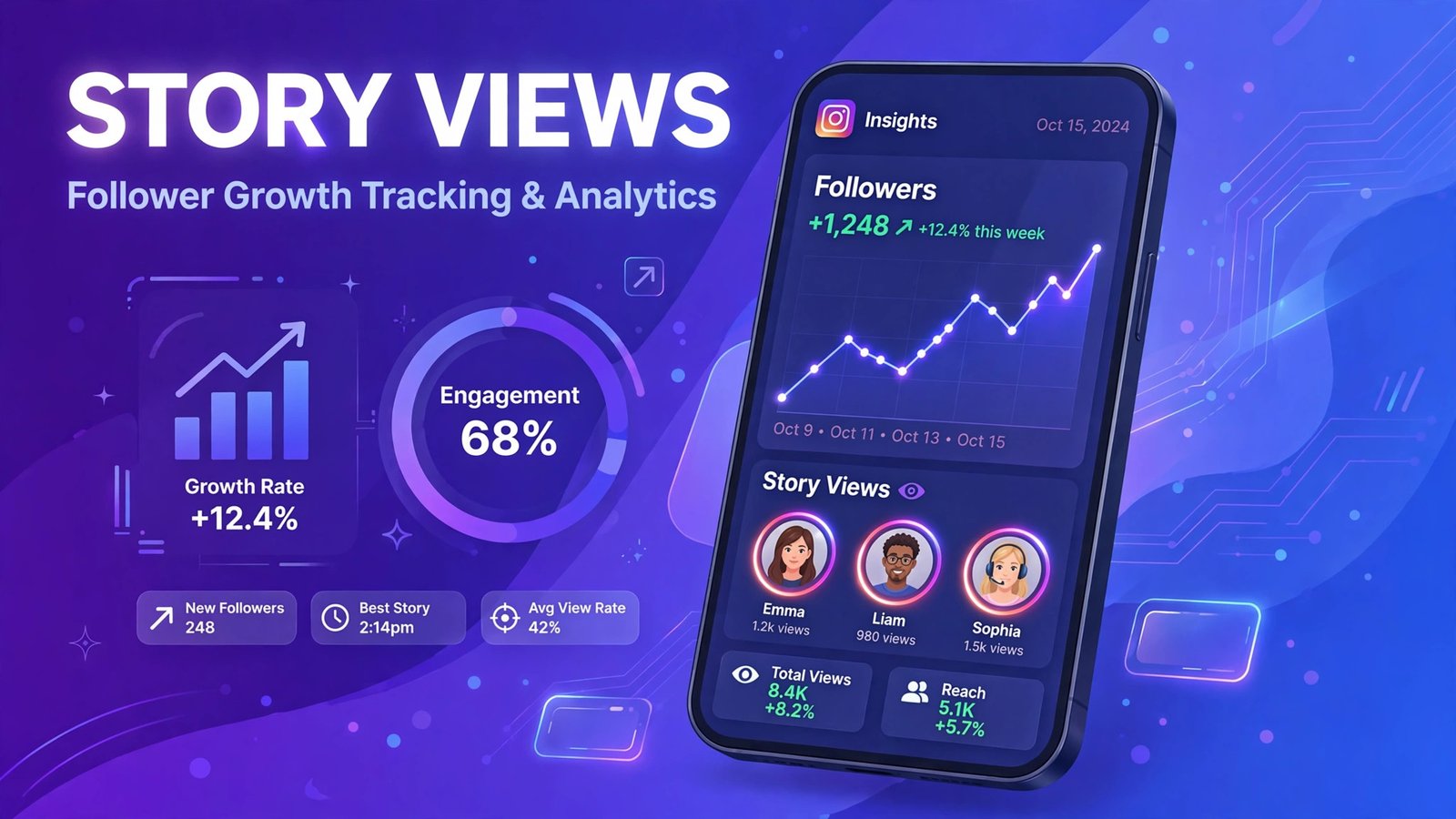
What Is a Live Instagram Followers Count Tool?
A live follower counter is a web-based tool that pulls your public follower total and displays it on an auto-refreshing dashboard. Most counters update every 10 to 60 seconds without requiring a page refresh. They are popular during viral moments, giveaways, live streams, and milestone pushes when every single follow matters.
Unlike Instagram’s native analytics, which update once a day and require a professional account, live counters work for any public profile and update continuously. They are especially useful for:
- Creators tracking the impact of a viral Reel as it happens
- Brands monitoring campaign performance during product launches
- Agencies showing clients real-time growth during promotions
- Giveaway hosts watching follower milestones in real time
How Live Follower Counters Work
Most live counters read Instagram’s public profile data — the same follower number visible on your profile page. They poll it on a short interval and display the change over time. Because they only use publicly visible data, reputable counters never ask for your Instagram login.
Key Features to Look For
- Auto-refresh: the count should update automatically, not on manual reload
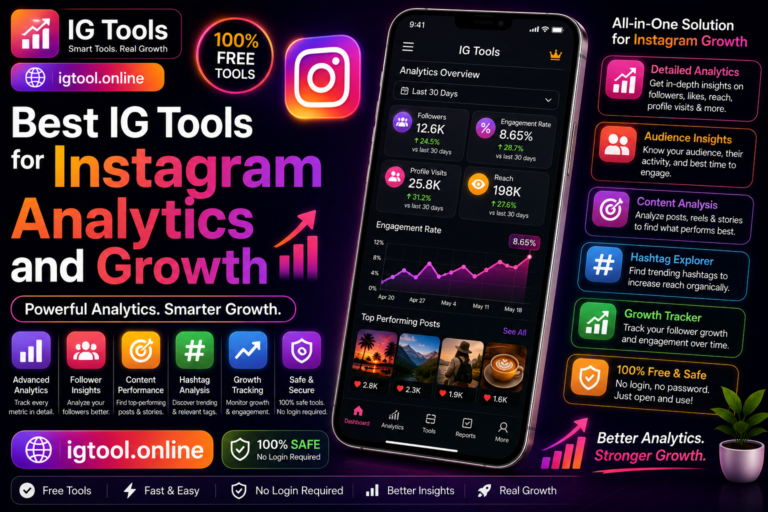
- Growth graph: a chart showing follower gains and losses over hours or days
- Milestone tracking: alerts when you cross round numbers like 10K or 100K
- No login required: you should never need to enter your Instagram password
- Mobile friendly: counters are often watched on a second screen during streams
Best Ways to Track Your Instagram Growth
1. Live Counter Websites
Dozens of free counter sites let you type in any public username and watch the follower total tick. These are the simplest option and work entirely in the browser. They are great for quick checks but offer limited historical data.
2. Instagram Insights (Professional Accounts)
If you run a Creator or Business account, Instagram Insights shows follows, unfollows, reach, impressions, and profile visits over 7, 14, 30, or 90 days. It is not real-time — data can lag by up to 48 hours — but it is the most accurate source because it comes directly from Meta.
3. Meta Business Suite
For brands managing multiple accounts, Meta Business Suite (business.facebook.com) offers deeper analytics including audience demographics, follower growth trends, and cross-platform reporting for Instagram and Facebook together.
4. Third-Party Analytics Apps
Tools like Social Blade, HypeAuditor, and NotJustAnalytics combine live counters with historical growth charts, engagement rate estimates, and audience quality scores. Free tiers cover basic tracking; paid plans add deeper influencer metrics.
Live Count vs. Instagram Insights: Which Should You Trust?
Use both for different jobs. A live counter is your real-time speedometer — perfect for watching momentum during a launch or viral post. Instagram Insights is your odometer — the accurate historical record for strategy decisions. Note that small discrepancies between tools are normal: Instagram caches follower totals, and bots or deleted accounts are periodically purged, causing sudden small drops.
Tips for Using Follower Tracking Effectively
- Correlate spikes with content: note what you posted right before a growth spike and double down on that format
- Watch for drops after promotions: giveaway followers often unfollow afterward; track net retention over two weeks
- Set realistic milestones: celebrate 1K, 10K, and 50K — each unlocks new features like link stickers and monetization options
- Track competitors too: benchmarking rival growth rates reveals what content is working in your niche
- Don’t obsess over minute-by-minute numbers: check live counts during campaigns, but judge strategy on weekly trends
Setting Up a Simple Growth Dashboard
You don’t need expensive software to track growth like a pro. Open a live counter in one browser tab during campaigns, keep Instagram Insights bookmarked for weekly reviews, and maintain a simple spreadsheet where you log your follower total at the same time each day. After a month, you’ll have a clear trend line showing your average daily growth — the single most useful number for setting realistic goals. Many creators also screenshot their counter at milestones to share as social proof, which itself drives more follows.
Safety and Accuracy Notes
Stick to tools that only need a public username. Never enter your Instagram password into a follower counter — legitimate counters don’t need it, and sharing credentials risks your account being compromised. Also remember that live counters are estimates based on public data; Instagram Insights remains the source of truth for official numbers.

Frequently Asked Questions
Is a live Instagram followers count accurate?
Live counters are accurate to within a small margin. They read the same public follower total shown on your profile, but Instagram caches this number, so counts may lag by a few minutes. For official figures, always check Instagram Insights on a professional account.
Do I need to log in to use a live follower counter?
No. Reputable live counters only need a public username. Any tool that asks for your Instagram password to show a follower count is not legitimate — never share your login credentials with third-party tools.
Can I track someone else’s follower count live?
Yes, as long as the account is public. Live counters work for any public profile, which makes them useful for competitor analysis. Private accounts cannot be tracked by these tools.
Why did my follower count suddenly drop?
Sudden drops are usually caused by Instagram purging fake accounts, bots, or deactivated profiles. Small fluctuations are normal and not a sign that something is wrong with your account.
How often should I check my follower growth?
Check live counts during active campaigns, launches, or viral moments. For long-term strategy, review your weekly growth trend in Instagram Insights — daily or weekly patterns matter far more than minute-by-minute changes.
What is the most important thing to know about live instagram followers count?
The most important thing about live instagram followers count is to stick to safe, legitimate methods and never share your Instagram password with any third-party site. Whether you are exploring live instagram followers count for growth, analytics, or simple curiosity, prefer official Instagram features and Meta-approved tools, and treat any service promising instant or guaranteed results with healthy skepticism.