
What Are Post Insights on Instagram? A Simple Guide
This in-depth guide to post insights on instagram explains what it is, how it works, and how to use it safely. If you have ever tapped around your Instagram profile and wondered what all those numbers mean, you are not alone. Instagram, owned by Meta Platforms, gives every creator and business account a built-in analytics tool called Post Insights — a small dashboard that tells you how each of your posts is performing. For anyone trying to grow on Instagram in 2026, understanding post insights is one of the most valuable skills you can learn, because it turns guesswork into real, data-driven decisions.
This guide explains post insights in plain, simple language. You will learn what the feature is, who can access it, which metrics matter most, and how to use them to improve your content strategy over time.
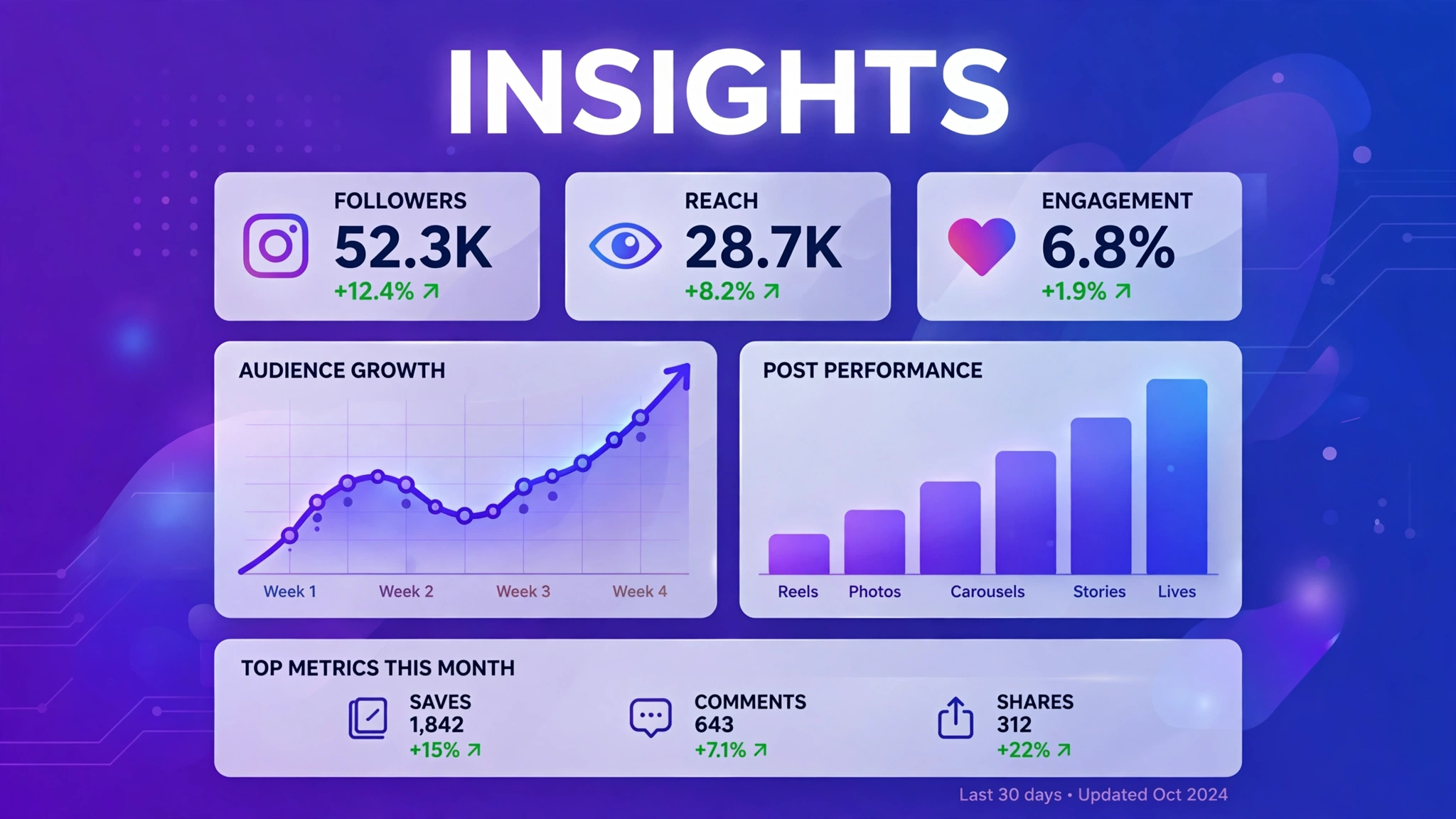
What Exactly Are Post Insights on Instagram?
Post insights are the analytics data Instagram collects about each individual post you publish — your photos, carousels, Reels, and videos. When you open the insights for a post, Instagram shows you how many people saw it, how they found it, and how they interacted with it. Think of it as a report card for every piece of content you share.
These insights are part of Instagram’s broader analytics system, called Instagram Insights, which also covers your overall account performance, audience demographics, and Story and Reel performance. Post insights are simply the per-post slice of that bigger picture. Instead of telling you how your account is doing overall, they tell you how one specific post performed — which makes them ideal for figuring out what your audience actually likes.
The data is collected automatically. You do not need to set anything up, install extra apps, or pay for a tool. As long as you have the right type of account, Instagram tracks everything in the background and makes it available to you a short time after you publish.
Why Post Insights Matter for Your Instagram Growth
Many creators post content based on instinct: they share what they feel like sharing and hope it performs well. Post insights remove the guesswork. By looking at your numbers regularly, you can see which topics, formats, and posting times get the best response from your audience — and then create more of what works.
For example, you might discover that your carousels reach twice as many people as your single photos, or that Reels posted in the evening get more saves and shares. Without insights, you would never know. With them, every post becomes a small experiment that teaches you something about your audience.
Insights also help you spot problems early. If your reach suddenly drops, you can compare recent posts to find out what changed. Maybe your captions got shorter, your hashtags changed, or you posted at a different time. Data makes these patterns visible, so you can adjust before a small dip turns into a long slump. If engagement looks weak across several posts, start with proven tactics to improve your Instagram engagement rate before changing anything else.
The Key Metrics You’ll See in Post Insights
When you open post insights, you will see several metrics. Here is what the most important ones mean in simple terms.
Reach
Reach is the number of unique Instagram accounts that saw your post at least once. If your reach is 5,000, it means 5,000 different people saw your content. Reach is the headline number most creators watch first, because it tells you how far your post traveled beyond your existing followers.
Impressions
Impressions count the total number of times your post was displayed, including repeat views by the same person. If one person sees your post three times, that counts as one reach but three impressions. Impressions that are much higher than reach mean people are coming back to your post — usually a good sign.
Engagement: Likes, Comments, Shares, and Saves
Engagement covers all the ways people interact with your post. Likes are the simplest signal. Comments show deeper interest because they take effort. Shares mean someone found your post worth sending to a friend, which extends your reach. Saves are especially valuable — when someone saves your post, Instagram treats it as a strong quality signal and may show your future content to more people.
Profile Activity
This section shows what people did after seeing your post: profile visits (how many tapped through to your profile), follows (how many followed you directly from the post), and website taps (how many clicked the link in your bio). High profile activity means your post is not just getting views — it is converting viewers into followers.
Who Can See Post Insights?
Post insights are available to professional accounts — that means Creator accounts and Business accounts. If you are using a standard personal Instagram account, you will not see the insights option. The good news is that switching to a professional account is free, takes less than a minute, and does not change how your profile looks to others — Instagram’s official Help Center confirms the switch is free and reversible.
How to Switch to a Professional Account
- Open Instagram and go to your profile.
- Tap the menu icon (three lines) in the top-right corner.
- Go to Settings and privacy, then Account type and tools.
- Tap Switch to professional account and choose Creator or Business.
- Follow the on-screen steps to finish setup.
Once you switch, insights start collecting from that point forward. Note that you cannot see insights for posts published before you made the switch — the data only begins accumulating after your account becomes professional.
How to View Post Insights on Instagram
Checking your post insights takes only a few seconds:
- Go to your Instagram profile.
- Tap the post you want to analyze.
- Tap View Insights below the post (you may need to tap the three dots menu on some versions).
- Scroll through the metrics: reach, impressions, engagement, and profile activity.
You can also view a summary of all your content performance from your Professional Dashboard, which you can access from your profile. The dashboard shows trends across days and weeks, while individual post insights let you zoom in on single posts.
How to Use Post Insights to Improve Your Content
Start by comparing your recent posts. Look for the ones with the highest reach and engagement, and ask what they have in common. Was it the topic, the format, the caption style, or the posting time? Then look at your weakest posts and ask the opposite question. Patterns usually appear within a few weeks. Pair this review habit with a clear Instagram growth strategy so your experiments compound instead of staying random.
Pay special attention to saves and shares, because Instagram’s algorithm weighs them heavily. Content that teaches something, inspires, or entertains enough to be shared tends to get the widest distribution. If your saves are low, try adding more practical value — tips, tutorials, checklists, and behind-the-scenes content all perform well. And if likes are lagging too, these organic ways to increase Instagram likes can help round out your engagement.
Finally, track your follows per post. A post that brings in new followers is doing the most important job on Instagram: growing your audience. Double down on whatever is converting viewers into followers, whether that is a particular niche topic or a specific content format like Reels.

Frequently Asked Questions
Are Instagram post insights free?
Yes. Post insights are completely free for all professional (Creator and Business) accounts. You do not need to pay for Instagram ads or any third-party tool to access them.
Can I see insights for posts published before I switched to a professional account?
No. Instagram only starts collecting insights data after you switch to a professional account. Older posts will not show insights, even if you switch later.
What is the difference between reach and impressions?
Reach counts unique accounts that saw your post, while impressions count total views including repeats. If impressions are much higher than reach, it means people are viewing your post multiple times.
Why do my insights show different numbers than my like count?
Insights update on a slight delay and measure different things. Your like count is just one engagement metric, while insights combine reach, impressions, and many interaction types into a fuller picture of performance.
Can other people see my post insights?
No. Your post insights are private and visible only to you. Followers and other users cannot see your reach, impressions, or any other analytics data.
What is the most important thing to know about post insights on instagram?
The most important thing about post insights on instagram is to stick to safe, legitimate methods and never share your Instagram password with any third-party site. Whether you are exploring post insights on instagram for growth, analytics, or simple curiosity, prefer official Instagram features and Meta-approved tools, and treat any service promising instant or guaranteed results with healthy skepticism.


