Post Insight Instagram: How to Check Your Post Performance
This in-depth guide to post insight instagram explains what it is, how it works, and how to use it safely. Posting on Instagram without checking how each post performed is like driving with your eyes closed. Instagram gives every professional account a built-in performance report for each post — and learning to check it takes less than a minute. This guide shows you exactly how to check your post performance on Instagram and, more importantly, how to interpret what you find.
How to Check an Individual Post’s Performance
Checking a single post is the fastest way to get feedback on your content. Here is the process:

- Open the Instagram app and go to your profile.
- Tap the post you want to check (this works for photos, carousels, and Reels).
- Tap View Insights below the post.
- Review the metrics panel: reach, impressions, interactions, and profile activity.
That is the entire process — four taps. Make it a habit to check each post about 48 hours after publishing, when the data has mostly settled. Checking earlier gives you incomplete numbers that can mislead you.
What Each Performance Number Tells You
Reach: Your Distribution Score
Reach is the number of unique accounts that saw your post. Think of it as your distribution score — it tells you how far Instagram carried this piece of content. Compare each post’s reach to your rolling average: consistently above-average reach means the algorithm favors your current content direction. If you want to lift this number systematically, these IG tools for Reels growth are built for maximizing distribution on Instagram’s most far-reaching format.
Interactions: Your Quality Score
Likes, comments, shares, and saves together form your quality score. Do not just total them — read the mix. Lots of saves means your content is reference-worthy; lots of shares means it is conversation-worthy; lots of comments means it sparked discussion. A deliberate effort to improve your Instagram engagement rate will raise this score across all your posts over time.
Profile Visits and Follows: Your Growth Score
These metrics answer the ultimate question: did this post grow my account? High profile visits with low follows suggests your post is interesting but your profile does not convert — fix your bio, highlights, and pinned posts. Low visits with high reach suggests entertaining content that does not make people curious about you — add stronger calls to action and more of your personality.
Checking Performance Across All Your Content
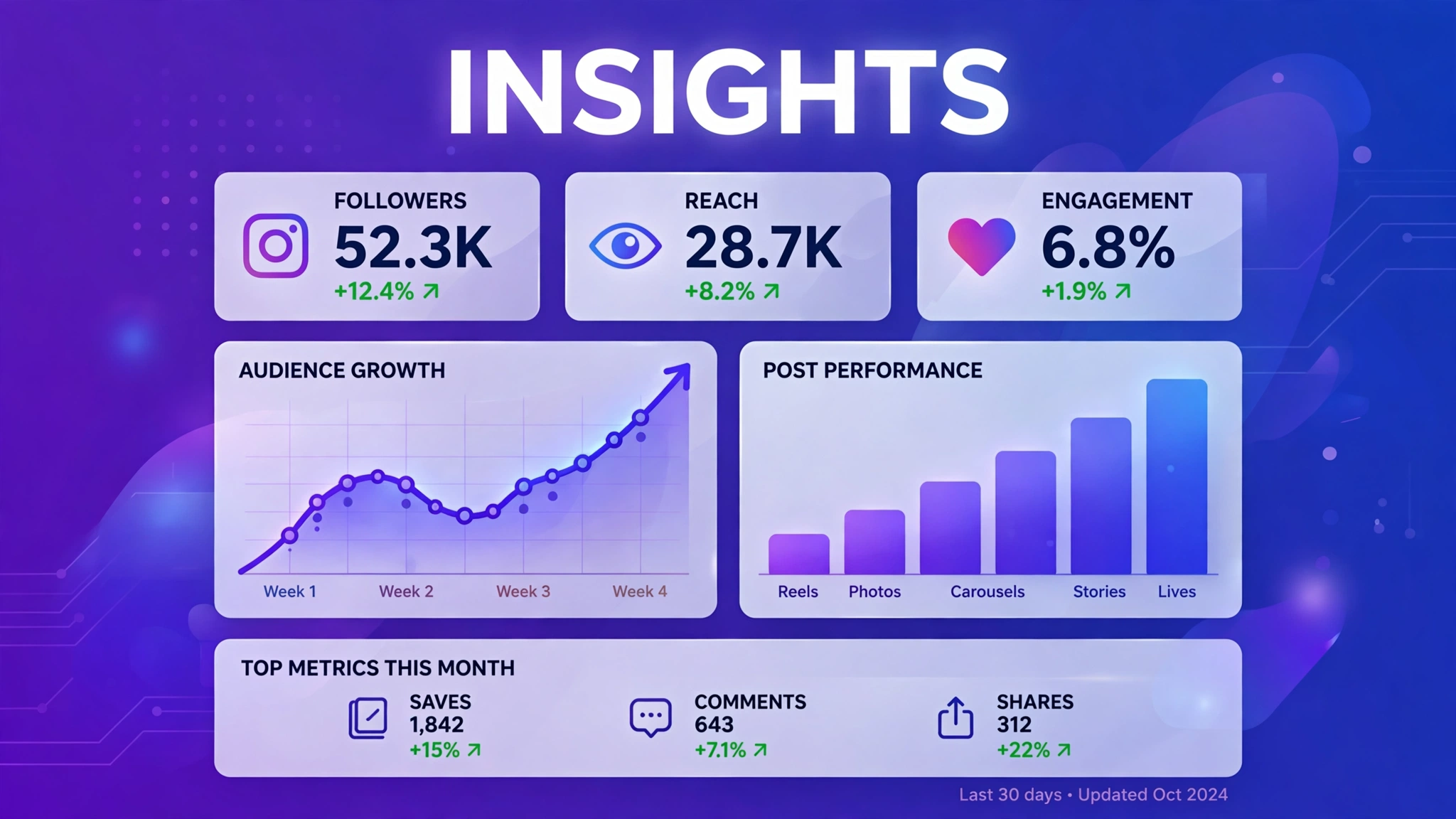
Individual checks are great for tactics, but strategy needs the bigger picture. Open your Professional Dashboard weekly and review:
- Top content: which posts, Reels, and Stories performed best over the last 30 days — and what they have in common.
- Reach trends: is your total reach climbing, flat, or falling month over month?
- Follower growth: which days and posts drove the most new follows?
- Audience activity: when are your followers online, so you can time posts for maximum early engagement?
Meta’s official business resources offer additional guidance on reading these trends if you want to go deeper than the in-app summaries.
A Simple Weekly Performance-Check Routine
You do not need a spreadsheet or an analytics degree. Fifteen minutes a week is enough:
- Monday: open the Professional Dashboard, note total reach and new followers for the past 7 days.
- Pick your winner and loser: the highest-reach and lowest-reach posts of the week.
- Open both insights panels and compare discovery sources, saves, shares, and follows.
- Write one sentence about what the winner did differently.
- Apply it to next week’s content calendar.
Do this for a month and you will have four concrete, data-backed lessons about your audience — more valuable than any generic growth hack. Fold those lessons into a documented Instagram growth strategy so the learning compounds instead of resetting every week.
How Often Should You Check Post Performance?
More often is not always better. Checking insights ten times a day creates anxiety without adding information, because the data barely moves within a single day. For most creators, the sweet spot is once per post (about 48 hours after publishing) plus one weekly dashboard review. That rhythm gives every post a fair reading while keeping your attention on trends rather than noise.
There are exceptions. During a product launch, campaign, or collaboration, daily checks make sense because you are making real-time decisions about boosting, reposting, or adjusting creative. And if you are testing something new — a different format, posting time, or content pillar — check those specific test posts a little more closely so you can judge the experiment fairly. Outside of those situations, though, resist the urge to refresh your numbers constantly; the real value of performance data shows up in week-over-week patterns, not hour-over-hour wiggles.
Red Flags in Your Performance Data
Watch for these warning patterns: reach declining for three or more posts in a row (your content-audience fit may be drifting); high impressions but tiny reach growth (the same small audience keeps seeing you — you need new-audience discovery); engagement concentrated in likes only (content is pleasant but not valuable enough to save or share); and profile visits with no follows (your grid and bio are not converting curiosity). Each pattern points to a specific fix, which is exactly why checking performance regularly matters.
Frequently Asked Questions About Post Insight Instagram
How soon after posting should I check performance?
Wait 48 hours. Instagram’s metrics update with a delay, and early numbers are incomplete. Checking too soon leads to bad conclusions.
What is the single best indicator of post performance?
There is no single number, but if forced to pick one, experienced creators watch follows per post — it measures the outcome that matters most: audience growth.
Should I delete posts that perform badly?
Usually no. A low-performing post does not hurt your account, and deleting content erases learning data. Archive instead of deleting if a post truly does not fit your grid anymore.
Can I compare the performance of Reels versus photo posts?
Yes, using engagement rate (interactions divided by reach) rather than raw numbers. This normalizes for the fact that Reels typically reach far more people than photos.
Do I need third-party tools to check post performance?
No. Instagram’s built-in insights are accurate, free, and sufficient for most creators. Third-party tools add convenience, not accuracy — and you should never share your Instagram password with any of them.
What is the most important thing to know about post insight instagram?
The most important thing about post insight instagram is to stick to safe, legitimate methods and never share your Instagram password with any third-party site. Whether you are exploring post insight instagram for growth, analytics, or simple curiosity, prefer official Instagram features and Meta-approved tools, and treat any service promising instant or guaranteed results with healthy skepticism.