Instagram Analysis App: What Features Should You Look For?
Search for an Instagram analysis app and you will find hundreds of options, from simple web tools to full mobile dashboards. The problem is not finding one; it is finding one worth your time. Many apps show flashy charts built on thin data, demand your Instagram password, or lock basic metrics behind expensive subscriptions. This guide explains exactly which features matter, which are nice to have, and which red flags mean you should keep looking.
Must-Have Features
Accurate Engagement Rate Calculation
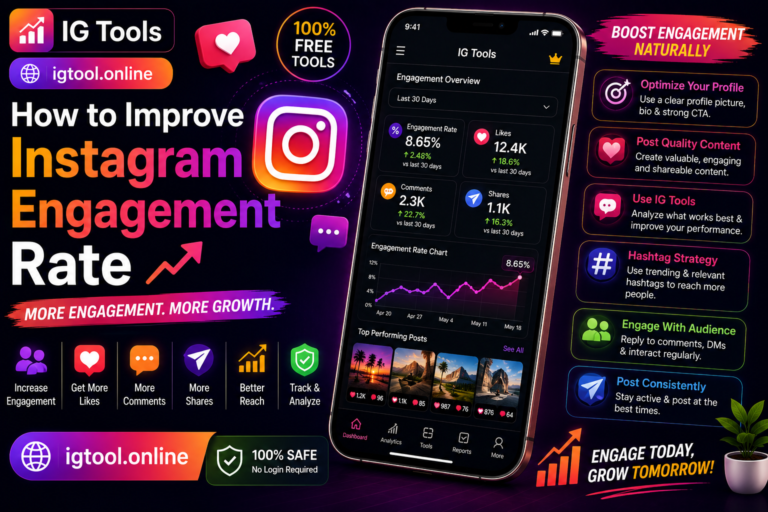
Any analysis app worth using must calculate engagement rate correctly: total interactions divided by followers, averaged across a meaningful sample of posts. Be wary of apps that compute it from only three or four posts, or that never explain their formula. Transparency about methodology is a quality signal.
Follower Growth Tracking Over Time
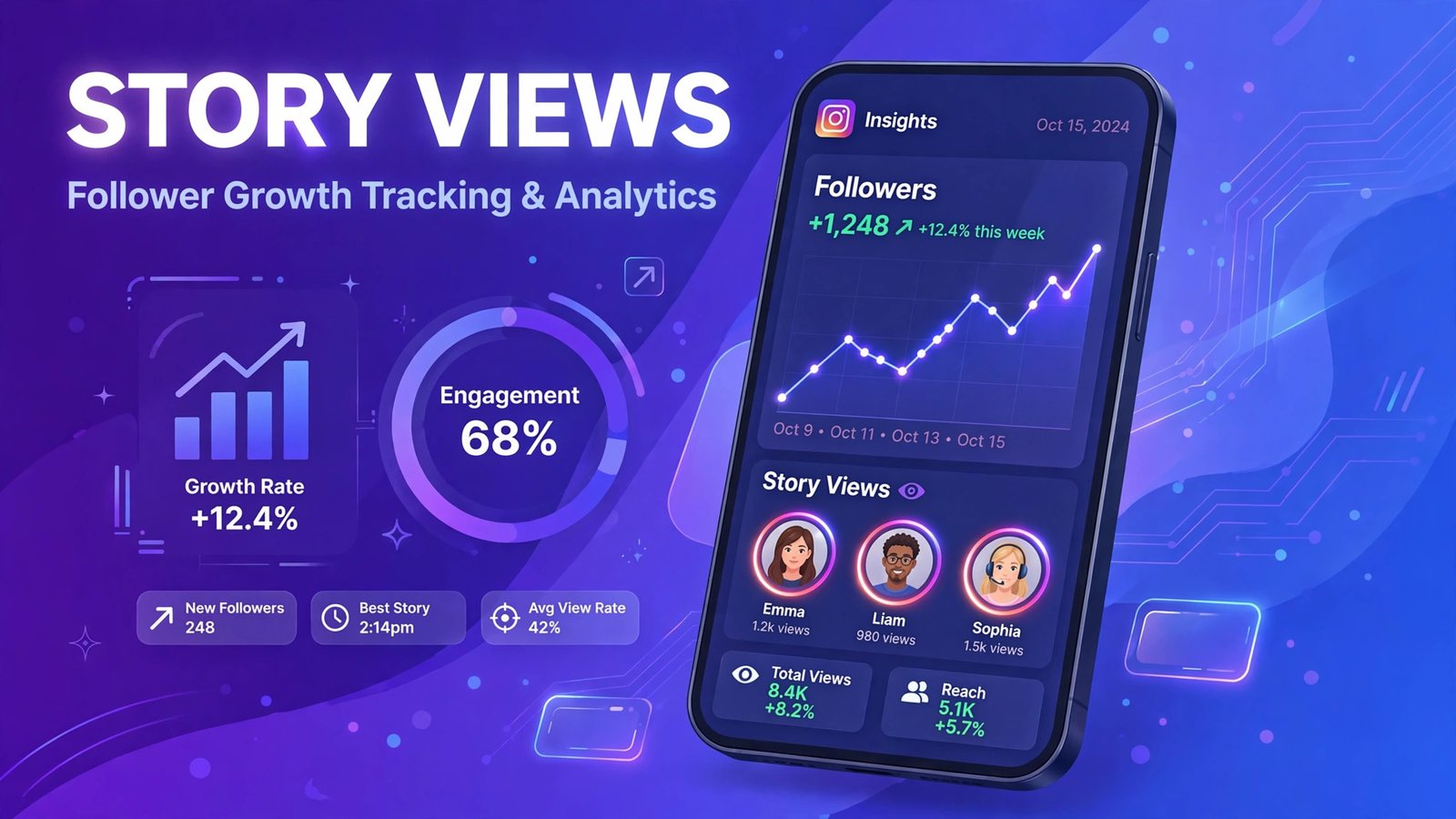
A single follower count is a snapshot; growth history is the story. Look for apps that chart follower changes across weeks and months so you can connect spikes and dips to specific posts, campaigns, or shoutouts. This is how you learn what actually moves the needle.
Content Performance Breakdown by Format
Instagram’s algorithm distributes Reels, carousels, photos, and Stories through different surfaces. An app that lumps all posts into one average hides the most useful insight: which format your audience prefers. Format-level breakdowns, including average Reels views versus photo likes, should be standard.
Best Times to Post
The best posting schedule is personal, not generic. A good analysis app derives recommended posting times from your own historical engagement data rather than recycled industry charts. This single feature can lift per-post engagement noticeably.
Hashtag Performance Insights
Hashtags still contribute to discovery, especially for smaller accounts. Look for tracking of which hashtags you use most and how posts carrying them perform relative to your average. Apps that suggest relevant hashtags based on your niche add extra value.
Features Worth Paying For
Competitor Benchmarking
Side-by-side comparison of your metrics against competitors turns raw numbers into context. Premium apps let you track several rival accounts and alert you when their growth accelerates, so you can investigate what changed.
Historical Data and Exports
Free tools usually show recent data only. If you report to clients or stakeholders, historical archives and exportable PDF or CSV reports justify a subscription. Being able to show a six-month growth curve beats screenshots of today’s dashboard.
Audience Demographics
For your own business or creator account, Meta’s native Insights already provides age, gender, and location breakdowns. Third-party apps add value by tracking demographic shifts over time or aggregating demographics across multiple accounts you manage.
Story and Reels Analytics
Stories analytics, including tap-forward rates, exits, and link clicks, plus detailed Reels retention data, separate serious tools from basic ones. Since Reels and Stories drive much of today’s growth, depth here matters.
Nice-to-Have Extras
- Comment sentiment analysis: automated reading of whether comments skew positive, negative, or neutral.
- Optimal caption length insights: correlation between caption length and engagement on your account.
- Unfollower tracking: shows who unfollowed you, though this data is increasingly restricted by Instagram’s API limits.
- Multi-account dashboards: useful for managers juggling several profiles.
- AI content suggestions: topic ideas based on your top performers, helpful as a starting point but never a substitute for judgment.
Red Flags: Apps to Avoid
Asks for Your Instagram Password
Legitimate analysis of public accounts never requires your login. Apps requesting passwords may violate Instagram’s terms and put your account at risk of being compromised or banned. Prefer tools using official APIs or public data, like IGTools, which analyzes accounts from a username alone.
Shows “Who Viewed Your Profile”
Instagram does not share profile viewer data with third parties. Any app claiming to reveal profile visitors is fabricating data, and usually harvesting yours in return.
Metrics That Never Change
If every account you check shows suspiciously similar numbers, the app is likely showing cached or invented data. Real analytics fluctuate.
Aggressive Permissions and Ads
An analytics app has no business requesting access to your contacts, location, or files. Excessive permissions plus full-screen ads usually signal a data-harvesting operation, not a serious tool.
Web Tool vs. Mobile App: Which Is Better?
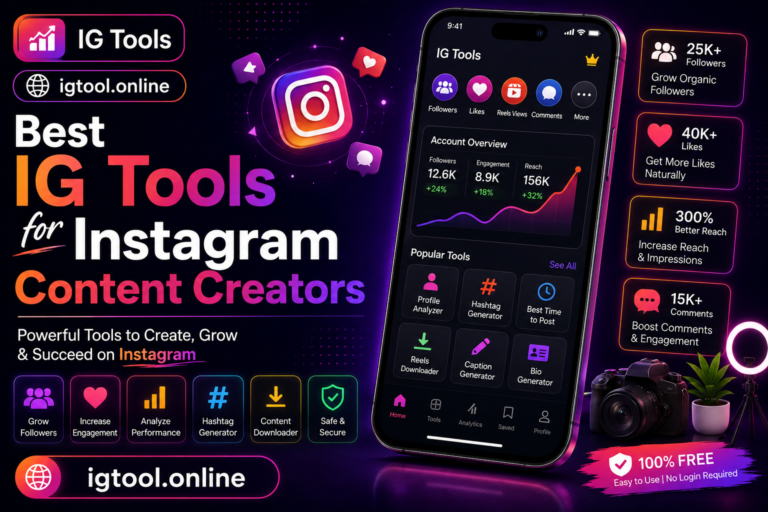
Web-based tools excel at quick checks: paste a username, get a report, no install needed. Mobile apps suit daily monitoring with push alerts for milestones and anomalies. Many professionals use both, a web tool like IGTools for deep dives and competitor research, and a lightweight mobile app for day-to-day tracking. What matters is data quality, not platform.
Beyond the basics, the best analysis apps help you segment your audience so you can tell which content resonates with which followers. Look for demographic breakdowns by age, gender, location, and active hours, since these details turn raw follower counts into actionable audience personas. Some apps also track competitor accounts, letting you benchmark your growth rate, posting frequency, and engagement against similar profiles in your niche. This comparative view is especially valuable for new creators who need realistic targets: knowing the average engagement rate in your category helps you judge whether a dip is a real problem or just seasonal noise. Finally, check whether the app offers historical charts and export options, so you can review months of data at a glance and share reports with clients or team members.
How to Evaluate an App Before Committing
Test any candidate app against an account you know well, ideally your own. Compare its follower count, recent engagement figures, and growth trend against Instagram’s native Insights. If the basics do not match, nothing else it shows can be trusted. Then check whether it works without your password, explains its metrics, and updates data regularly. Apps passing all three tests are rare, and worth keeping.

Frequently Asked Questions
Do I need to download an app, or are web tools enough?
For most analysis tasks, web tools are enough and faster. Download a mobile app only if you want push alerts for follower milestones or daily metric summaries.
Are free Instagram analysis apps accurate?
The reputable ones are accurate for public metrics like followers, likes, and comments. Accuracy problems come from shady apps, not from the free price point itself.
Can an analysis app get my Instagram account banned?
Apps that only read public data cannot. Risk comes from apps that ask for your password, automate follows or likes, or scrape aggressively through your logged-in session.
What is the most important feature in an analysis app?
Reliable engagement rate tracking with format-level breakdowns. Everything else builds on understanding what your audience responds to.
How is IGTools different from other analysis apps?
IGTools runs in the browser with no install and no login, analyzing any public account from its username. It focuses on the core metrics, engagement, growth, and content performance, without upsells or permission requests.
What is the most important thing to know about instagram analysis app?
The most important thing about instagram analysis app is to stick to safe, legitimate methods and never share your Instagram password with any third-party site. Whether you are exploring instagram analysis app for growth, analytics, or simple curiosity, prefer official Instagram features and Meta-approved tools, and treat any service promising instant or guaranteed results with healthy skepticism.